Get Your Hosted Solutions Tech Update
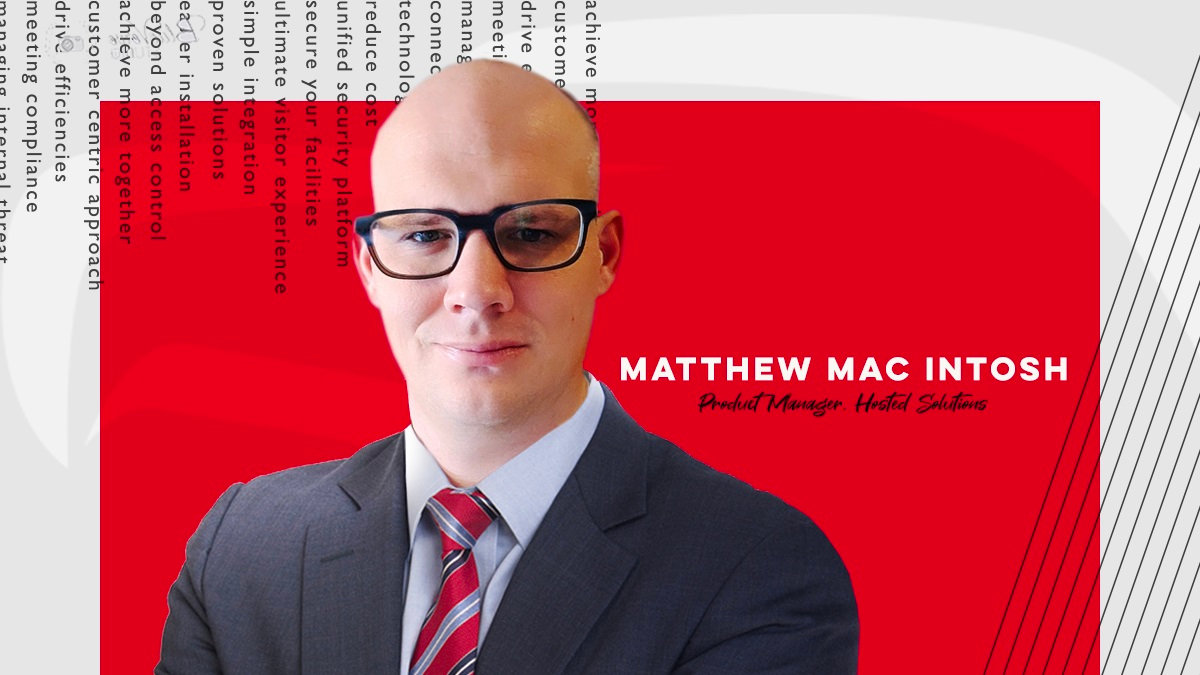
By Matt McIntosh, Product Manager Hosted Solutions, AMAG Technology
The newest versions of Symmetry CONNECT Identity Management and Symmetry GUEST Visitor Management include enhancements that are centered around improving the usability and user experience of the application. This includes:
-
A System Administrator can now configure the system to allow an identity’s primary email address to not be unique. This can be beneficial if an identity is looking to use a group email address for any communication.
-
GUEST now has notifications for Visit updates as well as Visit cancelations. Like the other GUEST notifications, these can be enabled or disabled as well as configured per visit type.
-
Improved look for the On/Off toggle switches used in the application to allow for an easier ability to see what is enabled or disabled at a glance.
-
The Secondary Navigation and breadcrumb trail will not always be visible when scrolling making navigation easier.
Coming soon…
-
Improvements to the My Visit page in GUEST. These enhancements are designed to simplify the user experience for users with Host or Host Delegate role and include:
-
The ability to add Host Delegate directly from the My Visits page
-
The ability to add favorite visitors directly from the My Visits page
-
The ability to schedule a new visit directly from the My Visits page
-
Improved mobile-friendly layouts
-
Improvements to the GUEST New Visit page to streamline the workflow as well as improve its mobile-friendliness.
-
The ability for a manager to be able to assign a delegate.
-
Configuration to remove an ACRM/ACR’s ability to directly assign access to an identity and forcing all access assignments to go through the request workflow.
Watch for these enhancements in the next blog.
To learn more about Symmetry GUEST or Symmetry CONNECT, please contact AMAG’s Business Development team or call 1-800-889-9138.